


























Cloud hardware is the physical equipment the cloud runs on: servers that do the computing, drives and arrays that store the data, and network devices that connect them. Software carves that equipment into the virtual servers and storage you rent on-demand. But every cloud service is running on a physical machine somewhere, and someone has to build it, own it, and fix it when it breaks.
What is cloud hardware?
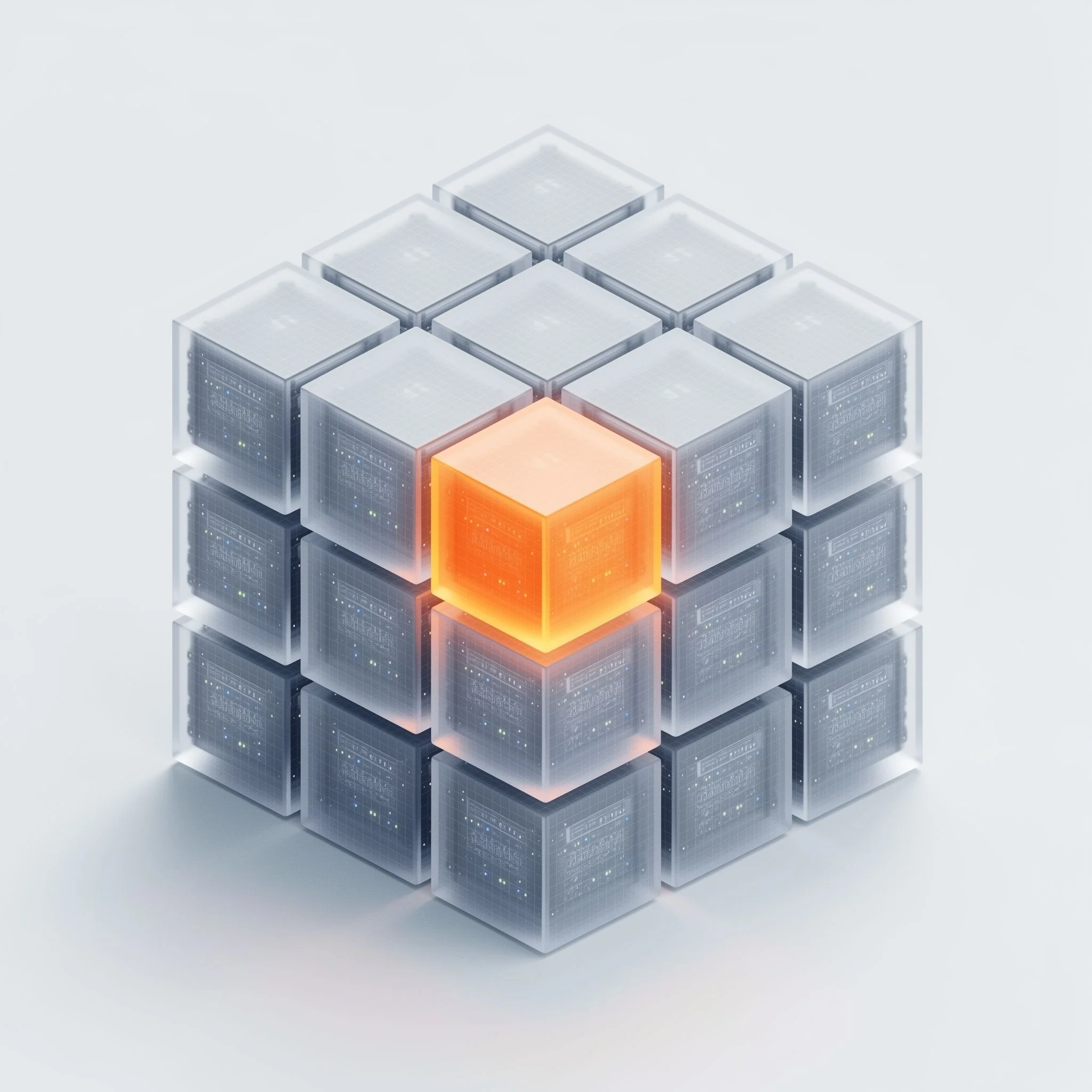
Cloud hardware is the physical equipment that runs cloud services — the servers that do the computing, the drives and arrays that store data, and the network devices that connect them, all mounted in racks inside a data center.
It breaks down into four groups:
- Servers — the machines that run the workloads.
- Storage devices — the drives and arrays that hold the data.
- Networking hardware — the switches, routers, and appliances that move traffic.
- Racks, power, and cooling — the facility hardware that keeps all of it online.
The software layer that pools this equipment and hands it out as virtual machines, volumes, and networks is called cloud infrastructure. Hardware is the physical half of that picture — and a cloud provider either builds and controls it, or rents it from somebody who does.
What are differences between cloud hardware, cloud infrastructure, a data center, and a cloud server?
These four often get used interchangeably but mean four different things:
- Cloud hardware is the physical machines — the subject of this page.
- Cloud infrastructure is the broader system: the same hardware plus the virtualisation and software that pools it and hands it out.
- A data center is the building that houses the hardware, along with its power, cooling, and security. See our page of data centers.
- A cloud server is usually a virtual machine running on that hardware, not a physical box. Worth stating outright, because it is the single most common confusion in cloud procurement.
What are the hardware components of the cloud?
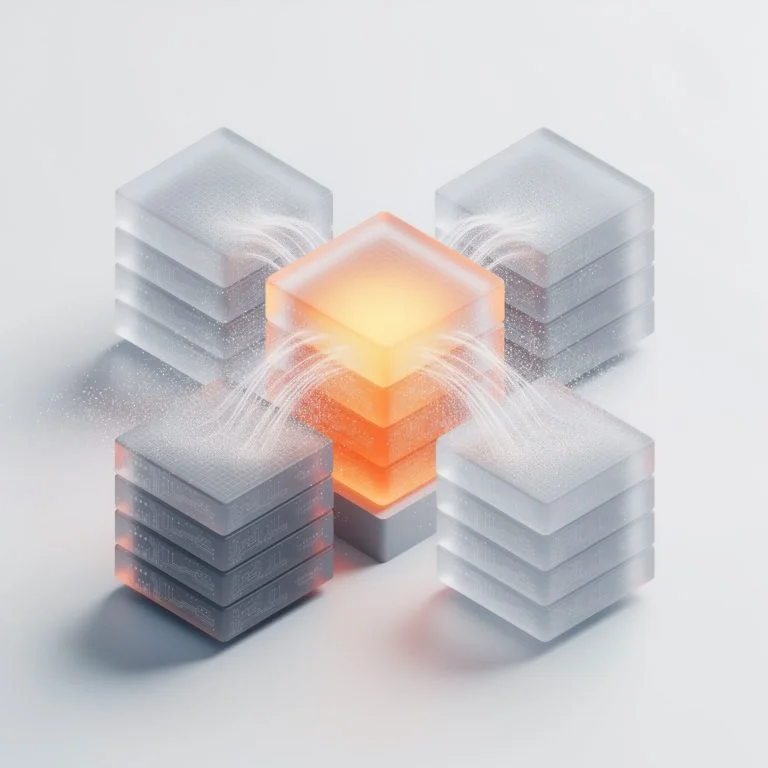
Cloud hardware breaks down into three areas — compute, storage, and networking — mounted in racks with the power and cooling to keep them running.
- Servers (compute): the machines that do the processing. Built around CPUs for general-purpose workloads, and GPUs for AI training and inference, rendering, and other heavily parallel jobs. Memory (RAM) and local drives sit on the same board.
- Storage devices: NVMe/SSDs for fast, live data and HDDs for bulk and archive, grouped into arrays that present many drives as one managed pool — holding both working data and backups.
- Networking hardware: the switches, routers, load balancers, firewalls, and cabling that connect servers to each other, to storage, and to users. Bandwidth and latency here set the ceiling for everything the cloud can deliver.
- Racks and facility hardware: the standardised frames that hold the servers, plus the redundant power and cooling that keep them running. That layer belongs to the data center.
One boundary worth drawing: the virtualisation software that turns all of this into pooled, on-demand cloud resources is the cloud infrastructure layer that sits on top.
How does cloud hardware impact the whole infrastructure?
The software layer can only be as fast, as reliable, and as efficient as the machines underneath it — no amount of orchestration compensates for the wrong CPUs or a slow disk.
Good hardware gives you three things:
- Performance — the right CPUs, GPUs, memory, and storage for the workload actually running, rather than a generic configuration that fits nothing well.
- Reliability — redundant components and fast repair, so one dead disk or failed node doesn't take a service down with it.
- Efficient use — well-built, well-tuned machines that do more work per watt, which shows up in both energy bills and carbon footprint.
The quality of the build and the speed of the repair set the ceiling for the whole cloud above it.
What are different models of cloud hardware?
The same three families of hardware get delivered in several different models, depending on how much of the machine you want to yourself:
- Bare metal: an entire physical server handed to one tenant with no virtualisation layer, for workloads that need full hardware performance — large databases, AI training, and latency-sensitive jobs.
- Shared / virtualised servers: one physical machine split into many virtual servers, which is what most general-purpose and elastic workloads run on.
- On-premises: the organisation owns the hardware and runs it in its own building, carrying the capital cost and the operations in exchange for total control.
- Provider-owned: the cloud provider owns, houses, and maintains the hardware, and you rent capacity on it — no capital outlay, no spare-parts warehouse, no 3 a.m. disk replacements.
- Specialised and heavy workloads: GPU servers for AI training and inference, and large combined storage-and-compute estates for Earth Observation and scientific computing, where petabytes of data have to sit next to the machines that process them.
Key cloud hardware concepts
The terms you will meet whenever hardware comes up:
- Server (compute node): a physical machine that runs workloads; the basic unit of cloud compute.
- CPU vs. GPU: CPUs handle general-purpose processing; GPUs handle massively parallel work such as AI training and rendering.
- Server rack / rack unit (U): the standardised frame that holds servers, with capacity measured in rack units — one U being one standard slot.
- Bare metal: a physical server given to a single tenant with no virtualisation layer, for full hardware performance.
- SSD vs. HDD: solid-state drives are fast and suited to live data; hard disks are cheaper per terabyte and suited to bulk and archive.
- Storage array: many drives grouped into one managed pool, with redundancy so a single disk failure doesn't lose data.
- Switch / router / load balancer: the network devices that move traffic between servers, between networks, and spread it across machines.
- Redundancy (N+1): spare capacity at the component level, so a single failure doesn't take a service down.
Why does it matter who builds and controls the hardware?
The hardware layer decides how fast, how reliable, and how independent your cloud is — and a provider that designs and services its own machines controls all three, while one reselling somebody else's does not.
- Control and efficiency. A provider that builds and tunes its own servers can match hardware to the workload, choose components on technical merit rather than a catalogue, and replace or repair parts on its own schedule. It isn't locked to one vendor's roadmap, lead times, or support queue — when something fails, nobody is waiting on a third party to arrive.
- Sovereignty at the hardware level. Sovereignty is usually discussed as a question of where the building sits. But if a "European" provider runs on hardware, firmware, or maintenance supplied by non-EU subcontractors, foreign dependency reaches right into the racks. Genuine independence extends down to who designs, builds, and services the machines — and who is allowed to touch them.
Own hardware vs. reselling someone else's
A provider reselling third-party or white-label hardware gets to market faster and carries far less operational load, but inherits that vendor's lead times, support SLAs, and supply chain — often with non-EU dependencies underneath. A provider that designs, builds, and services its own machines carries real engineering cost, but controls performance tuning, repair speed, the hardware lifecycle, and the whole supply chain.
Reselling suits teams that simply want capacity and don't much care what's under it. Own-build matters for regulated, public-sector, and heavy AI and Earth Observation workloads, where performance, repair speed, and independence are not negotiable.
How does CloudFerro build its hardware?
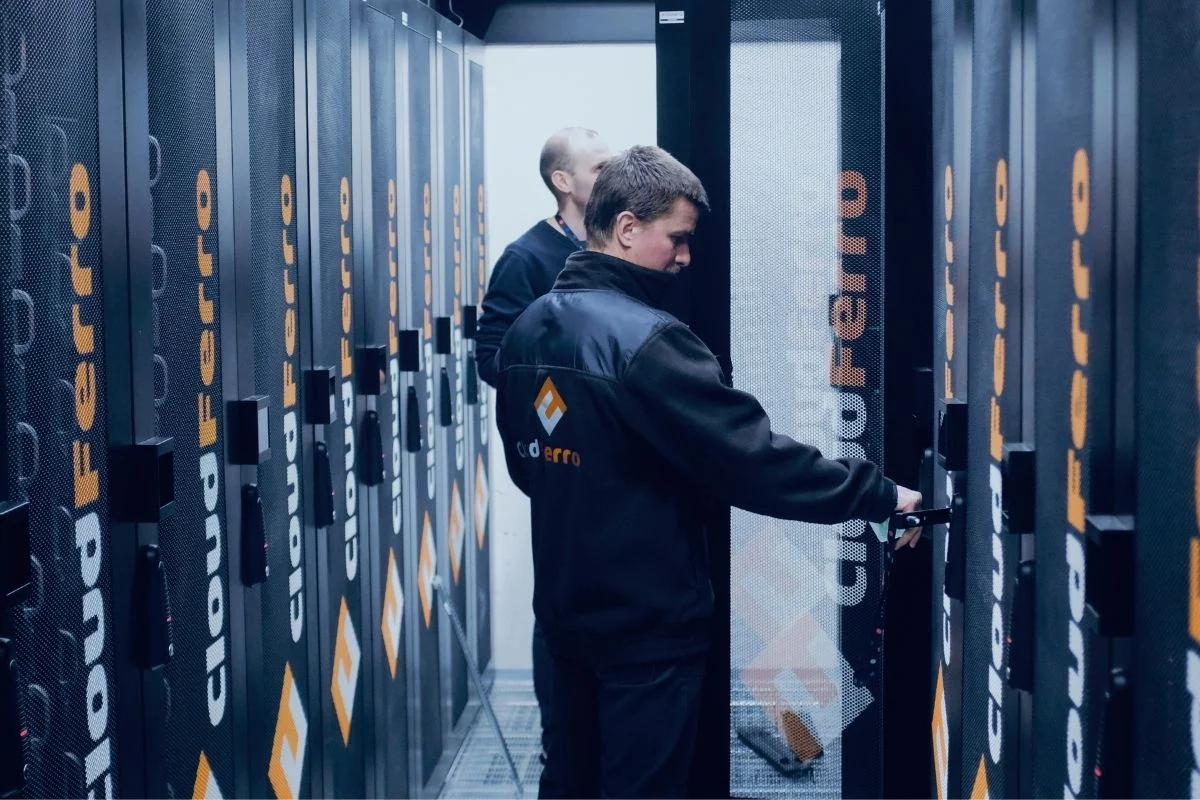
CloudFerro designs, builds, configures, and services its own servers and storage in-house, rather than reselling finished machines from somebody else.
- Certified and cleared: ISO 9001:2015 and ISO/IEC 27001:2022 (with the 27017 and 27018 control sets), BSI C5, and Facility Security Clearances for classified workloads.
- Built in-house: CloudFerro's engineers assemble and configure the servers and multi-petabyte storage systems that go into its server rooms, and tune each build to the workload it will carry. They have built thousands of servers to date. The first 1 PB storage system was hard-won engineering; by the tenth, it was a repeatable, fully monitored process.
- Close to the manufacturers: CloudFerro works directly with the makers of critical server, network, and storage components, and tests new hardware early — before general availability — so component choices are made on tested performance rather than datasheets.
- Own service and spares: A very large machine park, a warehouse of spare components, and its own service team on duty around the clock, able to replace any component or supply a whole new server faster than a manufacturer's own service channel. Component failure rates are monitored continuously, and parts are replaced when the statistics say so.
- Own service and spares: A large, standardised fleet, a warehouse of spare components, and an in-house service team on duty around the clock, ready to replace a failed part or bring in a whole replacement server without waiting in a vendor's support queue. Component failure rates are monitored continuously, and parts are swapped when the statistics say so.
- Green by design: low-power components, high-efficiency power supplies, servers built to run reliably at higher ambient temperatures, and hardware kept in service until failure rates justify replacement — less electricity drawn and less electronic waste produced.
- Where it runs: across CloudFerro's Tier III, EU-based data centers, on its own network.
- Built for demanding workloads: tuned for AI, Earth Observation, and science, including current NVIDIA GPU accelerators for AI training and inference. The same estate serves 100+ PB of Copernicus Earth-observation data.
Frequently asked questions
Put our hardware to work
Move a workload to CloudFerro's cloud and see how the machines handle it.